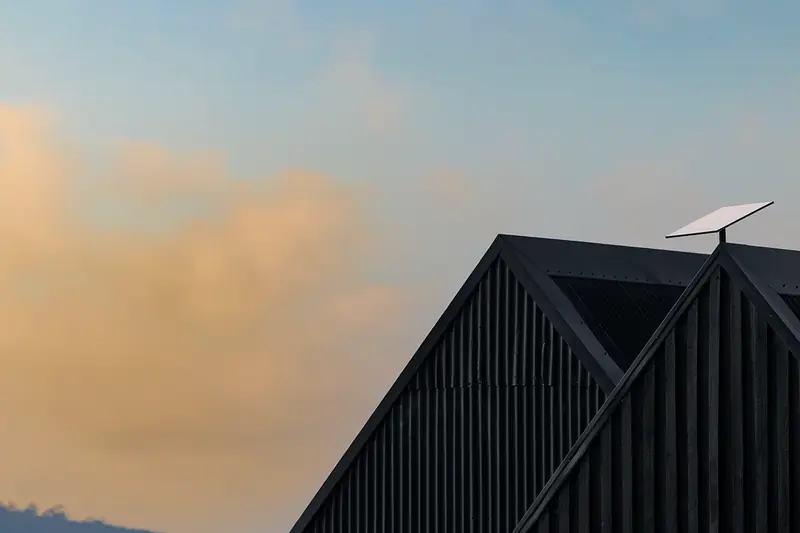
Starlink installation at home: set it up once and forget it
You order on Starlink.com at its normal price. First-time customers can currently get a $100 credit there, set by Starlink.
Most Starlink homes go from box to Wi-Fi in an afternoon. The one decision that matters is where the dish lives, because it needs a wide view of the sky.
What's in the box
- The Starlink dish and a kickstand
- Router 3
- A 15 m (49.2 ft) Starlink cable
- A power supply and AC cable
That's Starlink's listing for its V4 kit. The newer V5 kit, smaller and more power-efficient, is rolling out in select areas.
From box to Wi-Fi
- Open the Starlink app and run the obstruction check from where you'd like the dish.
- Start on the kickstand in the yard to confirm the spot works.
- Choose a permanent mount: roof corner, ridge, wall or pole.
- Route the cable indoors, plug in the router and connect.
- Walk the house with your phone, and add a mesh node wherever Wi-Fi is weak.
Choosing a mount
Kickstand
Ground or any flat surface. Ideal for testing, and for homes with an open yard.
Corner or wall mount
Holds the dish just under the roofline, out of the way.
Ridge mount
Sits on the roof peak with ballast and no drilling. Handy on metal roofs.
Pole mount
Lifts the dish above fences, sheds or trees in the yard.
Rather not climb the ladder?
Starlink includes free professional installation with Residential 200 Mbps and Residential Max.
Get your $100 credit for home (Starlink.com, new tab)
How the credit works: Starlink rewards first-time Residential or Roam customers who use this link once they've stayed subscribed for two months. In the U.S. it's $100 today, paid as a bill credit or cash, on terms Starlink controls.
Wi-Fi for the whole house
Starlink rates Wi-Fi by plan: Good on 100 Mbps, Great on 200 Mbps, Best on Max. Thick walls, a long ranch house or a detached office may still need help.
- Add a Starlink mesh node for far rooms.
- Where your router supports it, run Ethernet to the office or the TV.
- Put the router central and high, not inside a cabinet.
Router and coverage, from the spec sheets
Coverage figures are best-case. Use them to decide whether a mesh node is likely before you order.
| Hardware | Wi-Fi coverage | Wired ports | Mesh |
|---|---|---|---|
| Router 3 (Standard kit) | Up to 3,200 sq ft | Two Ethernet LAN ports | Up to 3 Starlink mesh nodes; not third-party mesh |
| Starlink Mini (built-in Wi-Fi) | Up to 1,200 sq ft | One Ethernet port via its plug | Works with Starlink mesh systems |
From Starlink's Standard 4 X and Mini specification sheets, read November 22, 2026. Walls, floors and metal siding cut real coverage.
Pick the plan, then pick the spot
See the home plans for your address. Installation is free with 200 Mbps and Max.
Get your $100 credit for home (Starlink.com, new tab)
How the credit works: Starlink rewards first-time Residential or Roam customers who use this link once they've stayed subscribed for two months. In the U.S. it's $100 today, paid as a bill credit or cash, on terms Starlink controls.
Questions
Setup questions
Do I need to drill into my roof?
Not necessarily. Ridge mounts use ballast, and a pole or ground setup avoids the roof entirely.
How long is the cable?
Starlink's V4 kit ships with a 15 m (49.2 ft) cable. Plan the dish spot and the cable route together.
Can I move the dish later?
Yes. Run the obstruction check again after trees leaf out or something new goes up nearby.
What comes in the box?
Starlink's V4 kit includes the dish, a kickstand, Router 3, a 15 m cable, an AC cable and a power supply.
Will one router cover a big house?
Starlink offers Good, Great and Best Wi-Fi options for different home sizes. Larger homes and detached offices usually add mesh nodes. Working from a back room? See working from home on Starlink.
First time with Starlink?
The $100 home credit, briefly
Ordering Starlink for the house for the first time? Begin with the button below and Starlink can credit $100 to your account after two months on a home or Roam plan. Your price at checkout stays the same.
Click to get your $100 credit (Starlink.com, new tab)
The button carries my referral code, which may also earn me a referral benefit. Starlink sets the terms and can change them.