Starlink when you don't own the roof
You order on Starlink.com at its normal price. First-time customers can currently get a $100 credit there, set by Starlink.
Most Starlink pictures show a dish bolted to a roof. If you rent, live in a condo, or answer to an HOA, that's often the one thing you can't do. The good news is that the kit doesn't have to live on a roof.
This guide covers the spots renters and HOA members actually use, what a federal rule says about your rights, and where the honest answer is no.
Start with the free options: ground, deck, patio
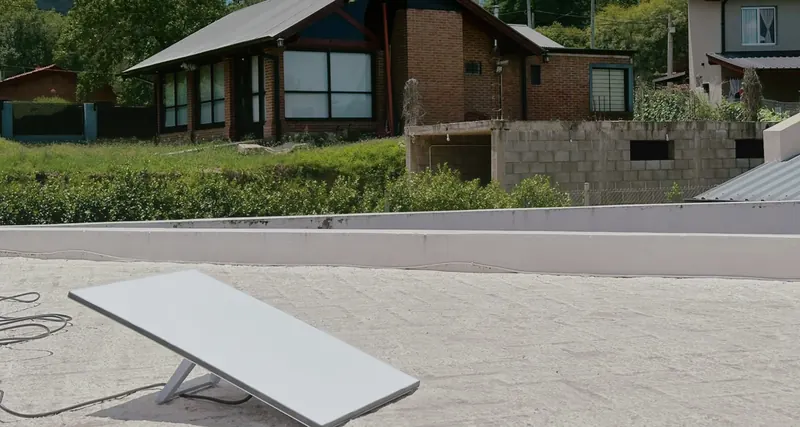
The Starlink kit comes with a kickstand, so it can sit on the ground, a patio, a deck or a balcony floor with no mounting at all. That's the simplest answer for a renter, because nothing is drilled or glued and the dish leaves with you when the lease ends.
The catch is the sky. A low spot sees less of it, so trees, railings and the building itself matter more. The Starlink app's obstruction check will tell you what the dish sees before you commit to a place.
What the FCC rule covers
A federal rule called OTARD limits restrictions on satellite antennas one meter or smaller, on property within your exclusive use or control where you have an ownership or leasehold interest. It covers lease terms, HOA rules and similar restrictions that unreasonably delay, prevent or add cost to installing or using a dish.
For renters that usually means a balcony, patio or deck that only you can use. It doesn't cover common areas such as a roof, hallways or an exterior wall, and it allows reasonable safety rules. A lease can still ban drilling through an exterior wall. This is general information, not legal advice.
- Likely covered: your own balcony, patio, deck or yard.
- Not covered: the roof, walls and other common areas you share.
- Always allowed: reasonable safety restrictions.
Where to put it
| Spot | Good for | Watch out for |
|---|---|---|
| Ground-level patio | Houses and townhomes with a yard | Fences, trees and cars can block a low view. |
| Balcony floor | Apartments with an open view | The railing and the floors above can block a lot of sky. |
| Deck or porch | Houses with a raised deck | A roof overhang can shade the dish. |
| Window or interior | Not recommended | Glass and walls can block the signal. Starlink's dish is built to sit outside. |
A clear sky view is the deciding factor. Run the obstruction check from the exact spot.
Low-risk test
Try it with the 30-day trial
Starlink offers a 30-day trial with a full refund if you aren't satisfied. A renter can learn quickly whether a patio or balcony sees enough sky.
Click to get your $100 credit (Starlink.com, new tab)
How the credit works: Starlink rewards first-time Residential or Roam customers who use this link once they've stayed subscribed for two months. In the U.S. it's $100 today, paid as a bill credit or cash, on terms Starlink controls.
Setups that travel with you
Part of the appeal for renters is that none of this is permanent. Starlink's own photos show the kit being carried, packed and set down.
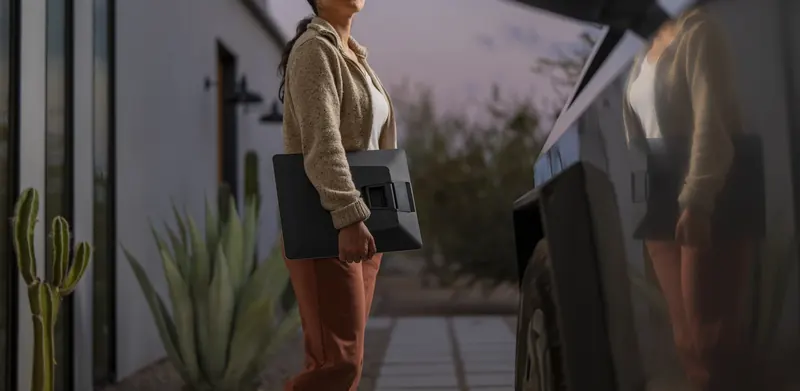
Carrying the dish home after delivery. Image: Starlink. 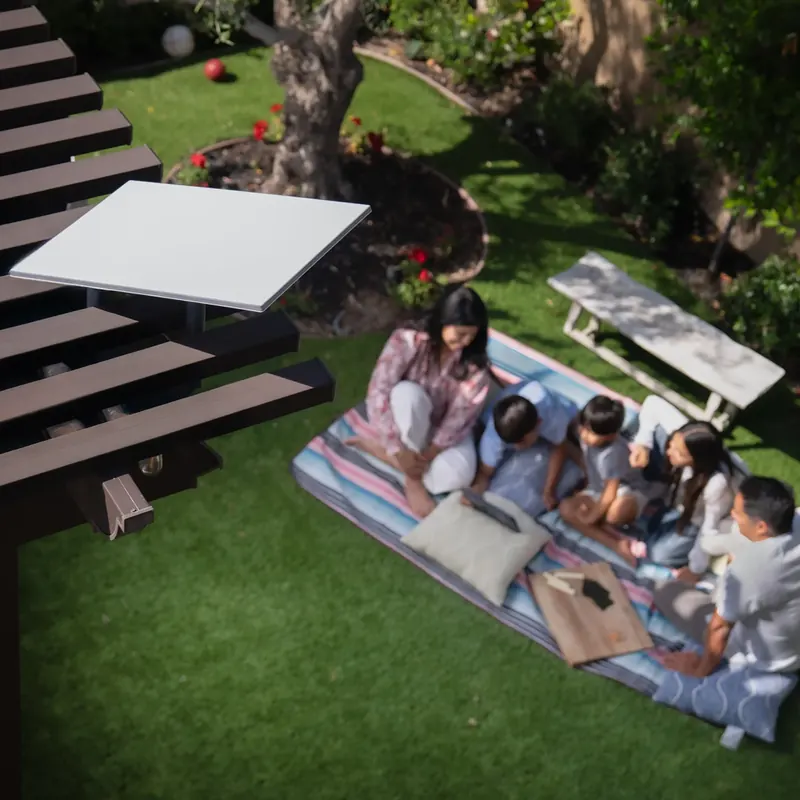
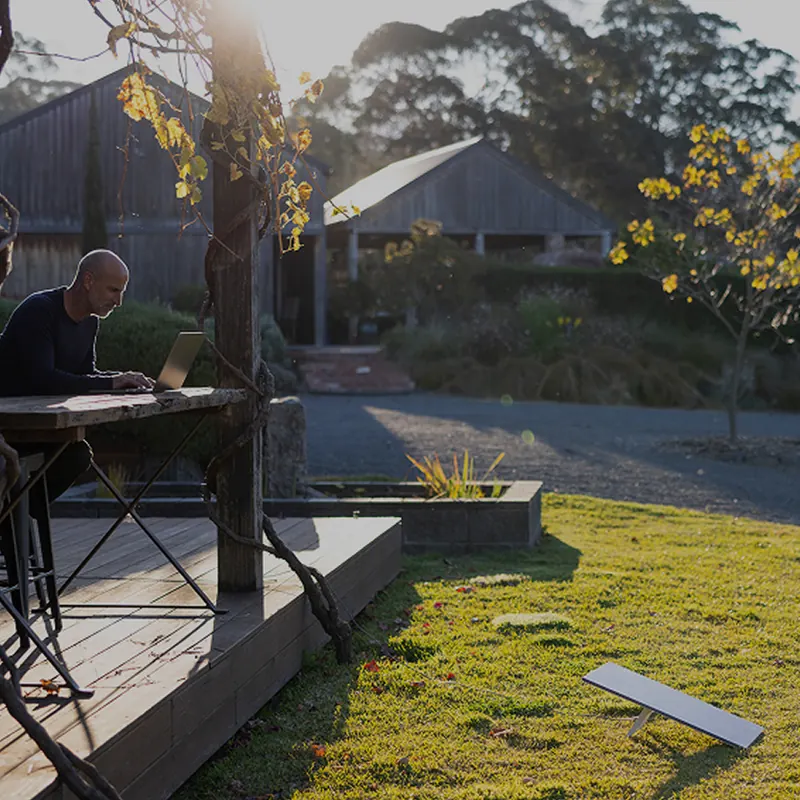
A dish sitting on the steps above a lawn. Image: Starlink. 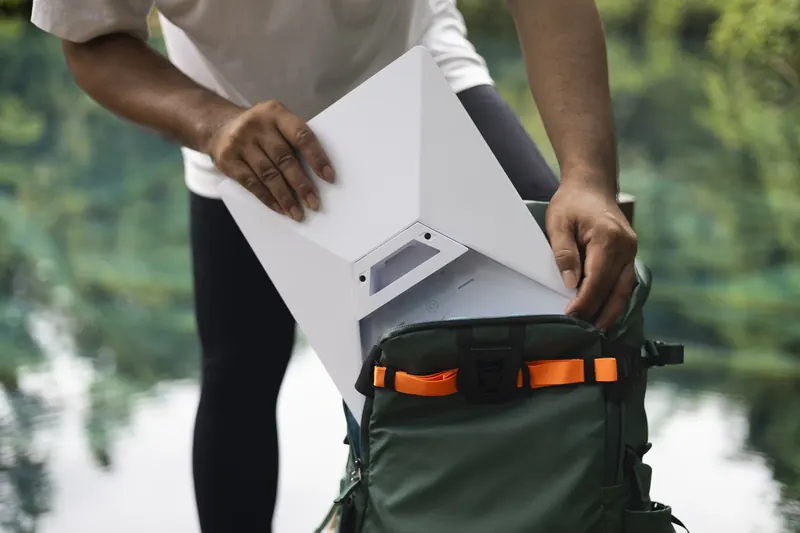
A Mini slipped into a backpack. Image: Starlink.
A renter's checklist
- Read the lease. Look for any rule about satellite dishes, drilling and balcony hardware.
- Ask in writing. A short email to the landlord or HOA management saves arguments later.
- Test the spot. Use the app's obstruction check on the balcony or patio at the height the dish would sit.
- Plan the cable. The kit has a 15 m cable, but you shouldn't run it under a door that can't close or across a walkway. A neat pass-through at a window frame is common.
- Plan the move-out. A kickstand setup leaves no holes and is easy to pack.
What kit and router to expect
Starlink's recent home kits come with a router and a long cable. The V5 kit includes the Router Mini with a stand, and the kit's cable is 15 m (49.2 ft) long. In a small apartment one router is usually enough, and a compact router is easy to move around the room for the best signal.
If your building has its own Wi-Fi, you can still use Starlink as the internet source and use your own router. Setting up Starlink at home covers router choices in more detail.
When the answer is no
- No outdoor space: an interior apartment with only a shared roof isn't a good fit.
- A landlord who says no to everything: you may have rights on your own balcony, but a lease dispute is a poor way to start.
- A building with fast fiber: if good wired internet is already offered, it's probably cheaper and simpler. See the home internet overview for who Starlink suits best.
If your situation is a work-from-home setup, working from home on Starlink covers calls and VPNs.
Try Starlink without drilling a hole
A kickstand, a patio and a 30-day trial are a low-risk way to find out.
Click to get your $100 credit (Starlink.com, new tab)
How the credit works: Starlink rewards first-time Residential or Roam customers who use this link once they've stayed subscribed for two months. In the U.S. it's $100 today, paid as a bill credit or cash, on terms Starlink controls.
Renter and HOA questions
Can my landlord stop me from using Starlink?
A federal OTARD rule protects dishes one meter or smaller on a balcony, patio or other area within your exclusive use, and it limits lease terms that prevent or unreasonably delay installation. It doesn't cover common areas like roofs and exterior walls. This isn't legal advice.
Can an HOA ban a Starlink dish?
Generally an HOA can't prohibit or unreasonably delay a dish within the OTARD rule on property you control, but it can set reasonable safety and placement rules. Ask your HOA in writing and keep a copy of the rule.
Can I use Starlink on a balcony?
Yes, if you have an open view. The dish sits on its kickstand. A railing and the floors above can block a lot of sky, so run the obstruction check first.
What happens when I move?
Residential service is for a service address. Update the address in your Starlink account when you move, and plan for a clear sky view at the new place.
Can I run Starlink through a window?
Starlink's dish is built to sit outside. Glass and walls can block the signal, so an indoor spot usually performs poorly.
First time with Starlink?
The $100 home credit, briefly
Ordering Starlink for the house for the first time? Begin with the button below and Starlink can credit $100 to your account after two months on a home or Roam plan. Your price at checkout stays the same.
Click to get your $100 credit (Starlink.com, new tab)
The button carries my referral code, which may also earn me a referral benefit. Starlink sets the terms and can change them.